Shared sessions
Keep prompts, tool calls, outputs, and follow-ups together as work moves between desks.

Investigate investments, develop strategy code, and backtest with evidence you can inspect. Keep your team in the same Scout session.
Open Scout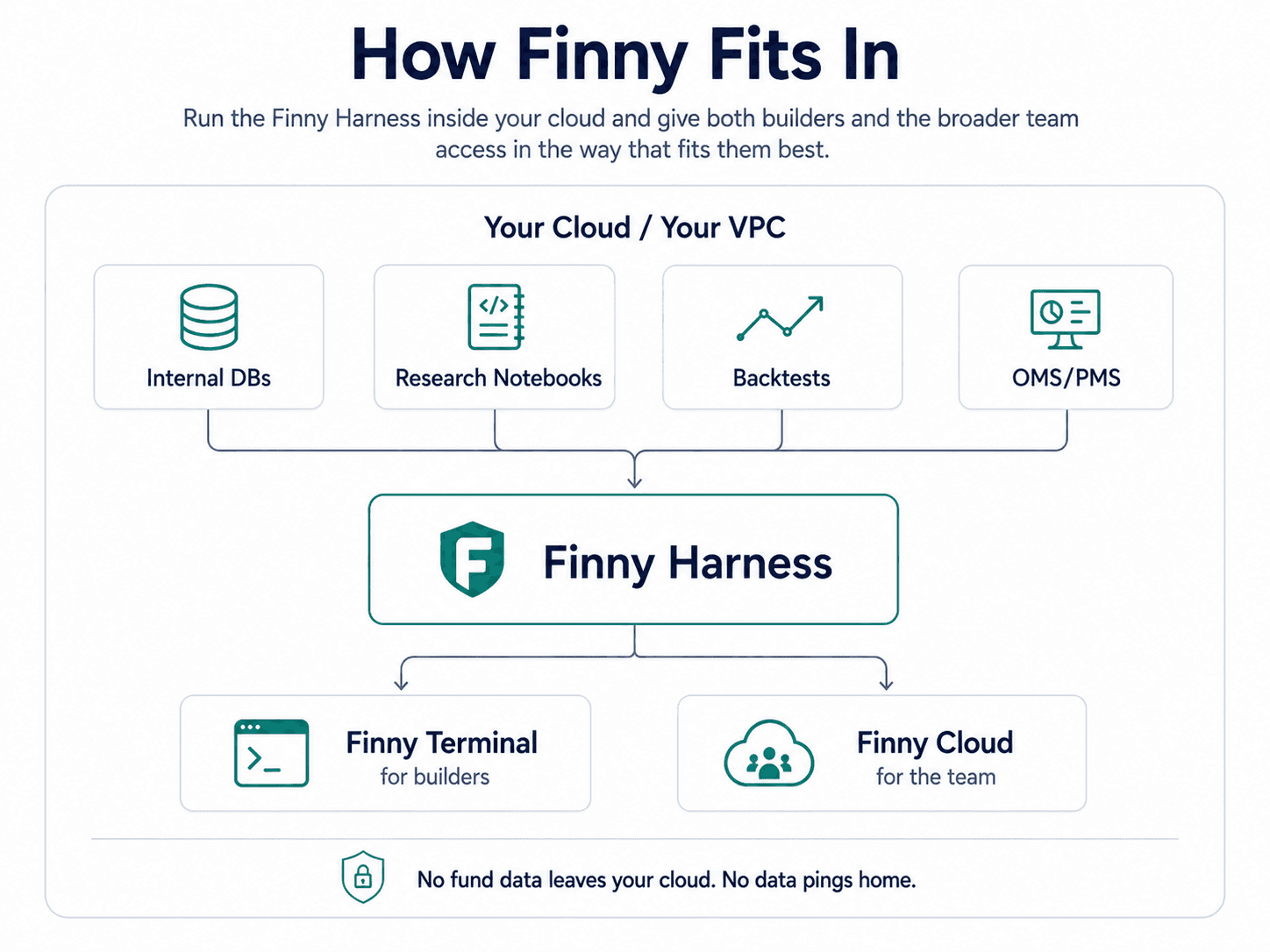
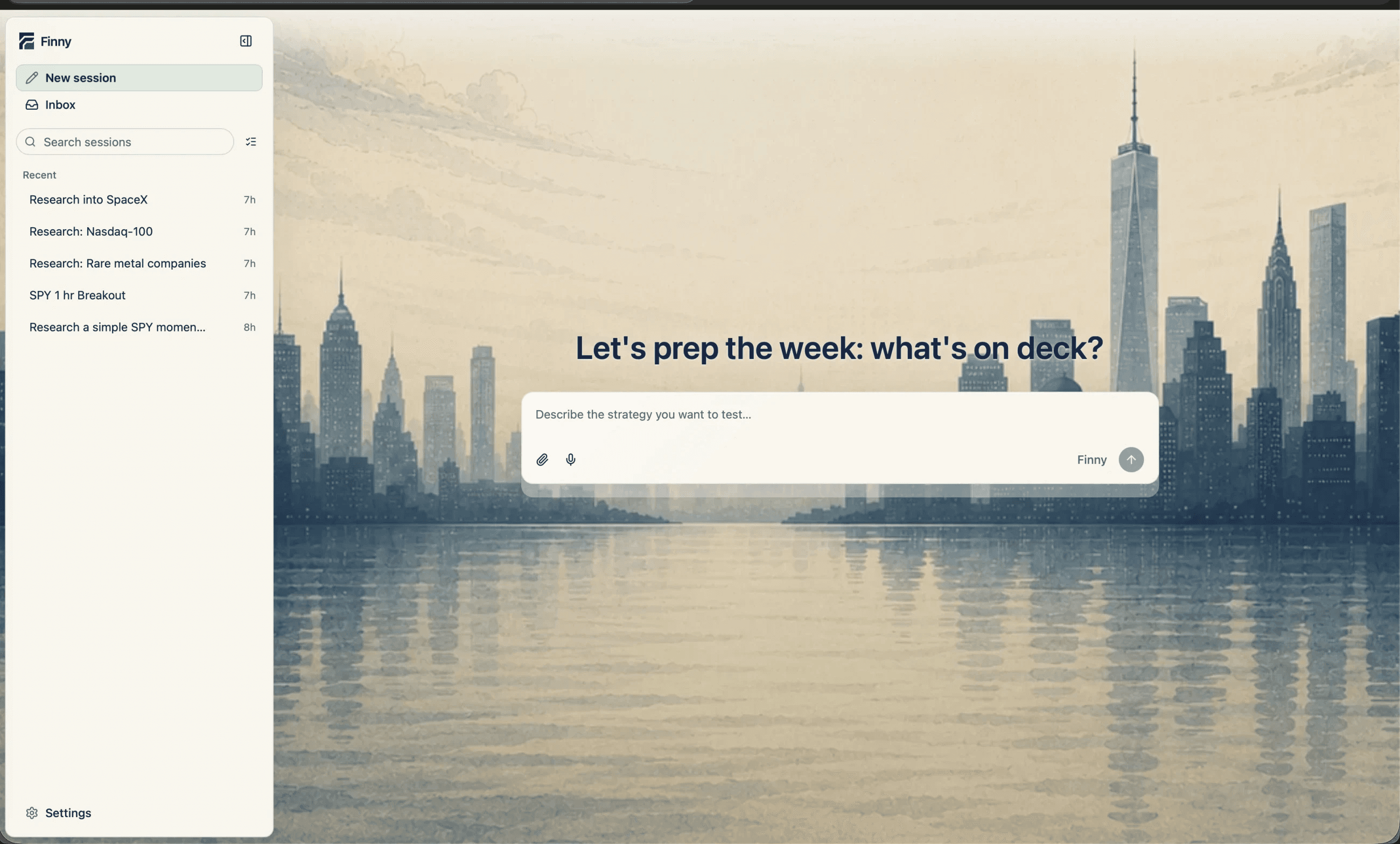
Keep prompts, tool calls, outputs, and follow-ups together as work moves between desks.
Let the right people inspect and continue the work through a browser interface.
Use session history instead of rebuilding context from screenshots and pasted logs.
Connect Scout to the systems your team has reviewed for the chosen deployment.
A quant starts the research. A trader checks the assumptions. A portfolio manager questions the result. Operations can read the history and close the loop.
Read the research guide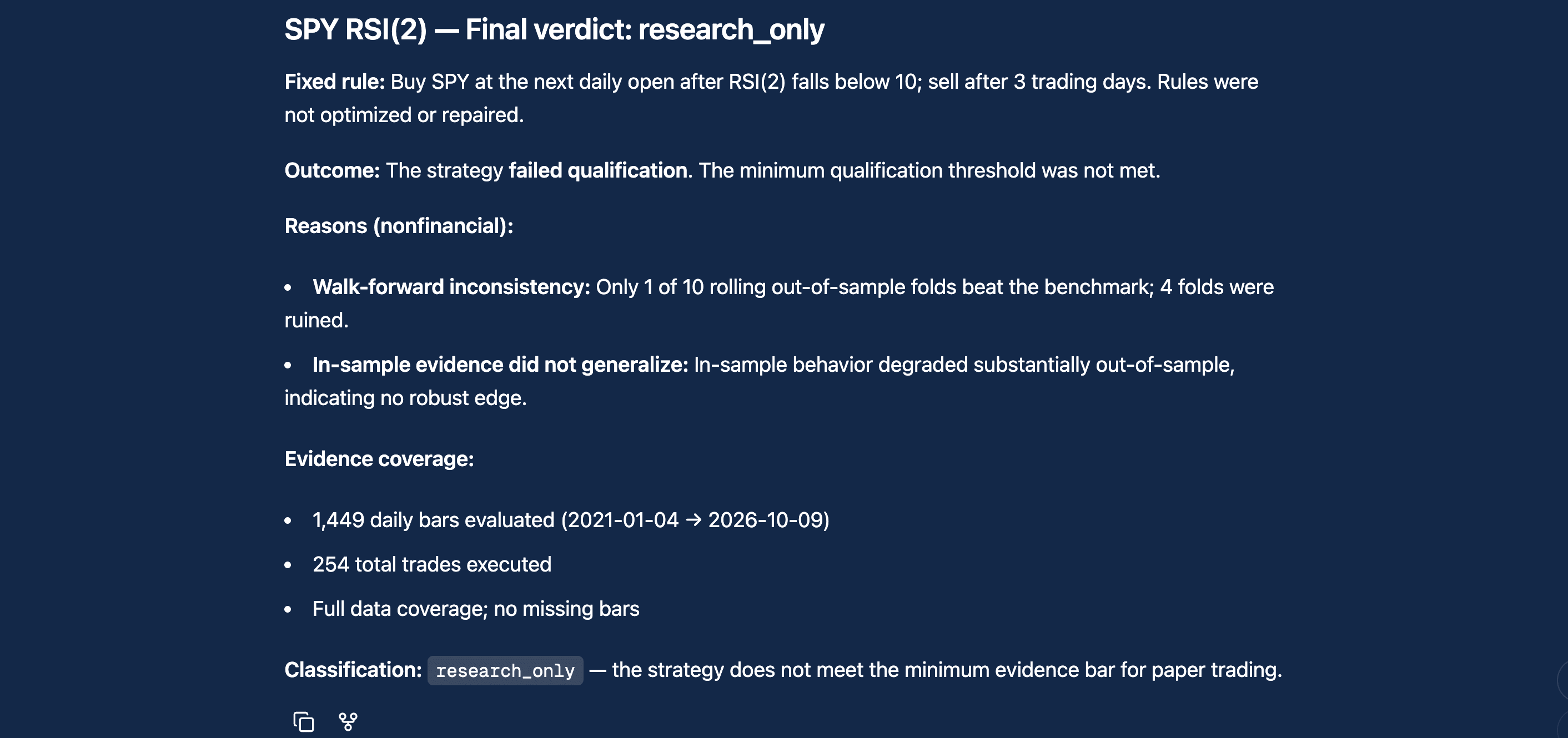
Captured example. A research result is not approval to trade.
Product walkthrough: continuing a shared Scout session in the browser.
Open Scout Research directly, or work with us on a private deployment inside your cloud or VPC.
Private-environment claims apply to the private VPC path. Integrations and permissions are scoped with your team.
Discuss private deploymentStart with the open-source CLI. Add cloud access and automation, or scope a private deployment with your team.
Compare plans